A beginner's guide to password managers
By Everyday Guide Hub Editorial Team · Last updated October 28, 2026
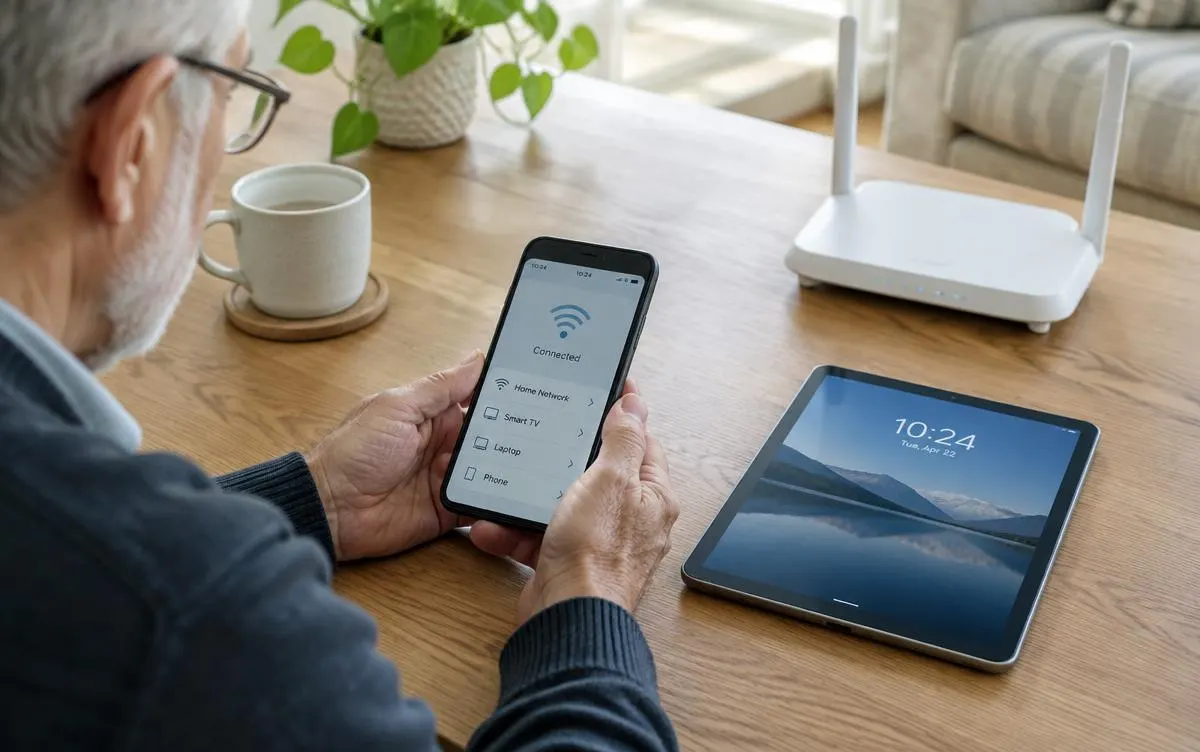
A password manager can help you use strong, unique passwords without having to remember them all.
The problem with reused passwords
Many people reuse the same password across several accounts. If one service is breached, attackers may try that password elsewhere. Unique passwords for each account limit the damage, but remembering dozens of them is hard.
What a password manager does
A password manager stores your passwords in an encrypted vault protected by one master password. It can generate strong passwords, fill them in automatically, and sync across your devices.
Choosing a password manager
Many browsers and phone operating systems include a built-in manager. Standalone services offer extra features such as secure sharing. Look for a reputable provider, two-step verification support, and clear information about security practices.
You may also find helpful: Simple ways to speed up a slow computer
Create a strong master password
Your master password protects everything else, so make it long and memorable. A passphrase of several unrelated words is often easier to remember than a short, complex string. Do not reuse it anywhere.
Turn on two-step verification
Enable two-step verification for the password manager and for important accounts such as email and banking. This adds a second check if a password is ever exposed.
Move accounts gradually
You do not need to change everything at once. Start with your email, banking, and shopping accounts, then update others as you log in.
Keep a recovery plan
Store recovery codes somewhere safe and learn how account recovery works for your chosen manager.
Key takeaways
- Reused passwords increase risk if one service is breached.
- A password manager stores and generates unique passwords.
- Protect it with a long master passphrase and two-step verification.
- Update your most important accounts first.
Frequently asked questions
Is it safe to keep all passwords in one place?
Reputable managers encrypt your vault; combined with a strong master password and two-step verification, they are widely recommended.
What if I forget my master password?
Recovery options vary by provider, so set them up in advance and store recovery codes safely.
Written and reviewed by the Everyday Guide Hub Editorial Team. Read how we work in our editorial policy.
Continue reading
Technology Made Simple
Simple ways to speed up a slow computer
Before replacing an older laptop or desktop, try these straightforward checks that often improve performance.
3 min read
Technology Made Simple
Home Wi-Fi Basics: How to Get a Faster, More Reliable Connection
A few practical changes can improve home Wi-Fi without replacing everything. Learn where to place a router, how to reduce interference, and when to ask for help.
7 min read
Technology Made Simple
Video Calling Made Easy: A Beginner’s Guide
A few simple checks can make video calls easier, clearer, and less stressful. Learn how to join, adjust sound and camera, and handle common hiccups.
6 min read